

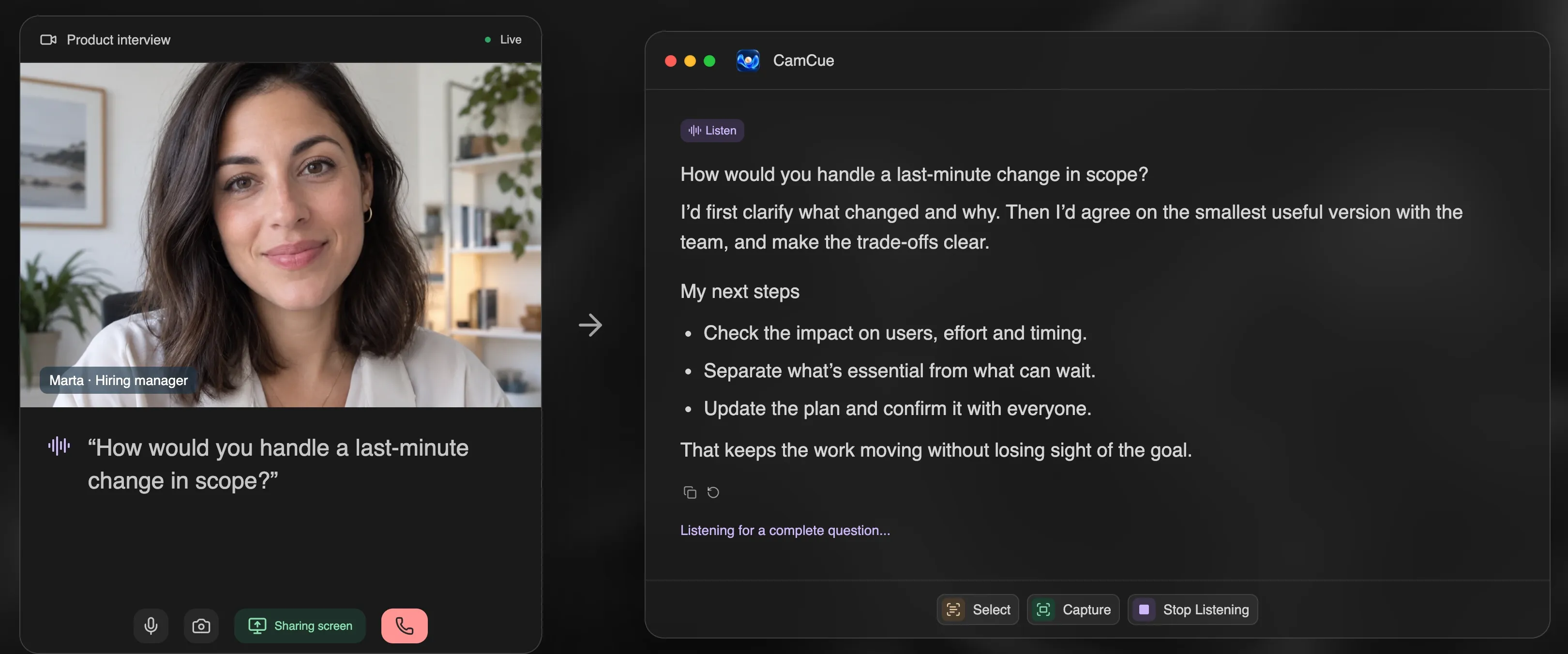
Practicing with AI works when it looks like a real interview: questions spoken out loud, answers given out loud, and honest feedback afterwards. Reading model answers silently does not build the skill you need in the room. This routine takes about a week of short sessions.
Step 1: Give the AI your real material
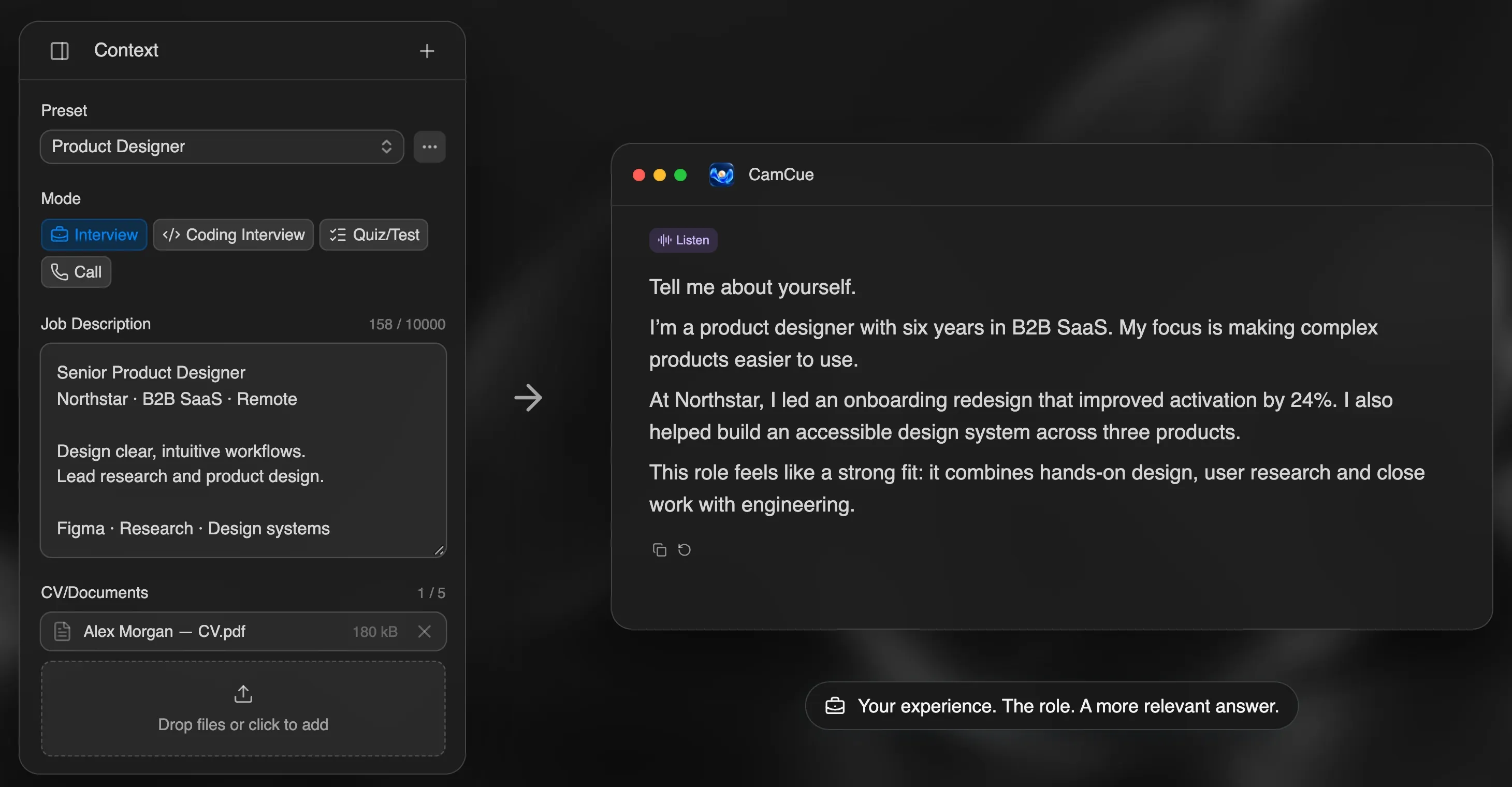
Generic practice produces generic answers. Before your first session, collect:
- your CV;
- the job description, with the top five requirements highlighted;
- five or six real stories from your work, each with a number or outcome.
Step 2: Build your story bank
Turn each story into a short answer with the STAR method: situation, task, action, result. Ask the AI to point out where a story is vague or missing a result, not to rewrite it. The goal is your story told clearly, not a better-sounding one you cannot defend.
Step 3: Practice the questions you will actually get
Start with the questions almost every interview includes. Our list of common interview questions covers them, and these three deserve the most time:
- “Tell me about yourself”
- “What is your greatest weakness?”
- “Tell me about a time when…” behavioral questions
Step 4: Answer out loud
Use a tool that asks questions aloud, so you practice listening and answering in real time:
- CamCue: choose “No call? Try a demo.” It asks spoken questions and drafts answers from your CV or a built-in example profile, so you can compare your answer with a structured draft. Demo sessions have their own allowance.
- Verve AI: its free plan includes five mock interviews.
- A voice assistant: paste the job description and ask it to play a hiring manager who asks one question at a time.
Record yourself at least once. Listening back shows filler words, rambling, and missing results faster than any feedback.
Step 5: Practice the follow-up
Real interviews rarely stop at the first answer. After each answer, ask for a follow-up: “Why did you choose that?” “What went wrong?” “What would you do differently?” If you cannot answer those easily, the story needs more detail. This is also what interviewers use to tell whether an answer is really yours.
Step 6: Get feedback and repeat
Ask for specific feedback: Was the answer under two minutes? Did it answer the question asked? Did it end with a result? Fix one thing per round. A week of 20 to 30 minute sessions beats one long night before the interview.
A one-week plan
| Day | Focus |
|---|---|
| 1 | CV, job description, and story bank |
| 2 | “Tell me about yourself” and “Why this role?” |
| 3 | Three behavioral stories in STAR format |
| 4 | Weakness, conflict, and failure questions |
| 5 | Role-specific or technical questions |
| 6 | A full spoken mock interview with follow-ups |
| 7 | Review the recording and rest |
Which tool to use
If you only need free practice, see Google Interview Warmup alternatives and free AI interview assistants. If you want practice and live help where it is allowed in one app, see the CamCue interview copilot.