

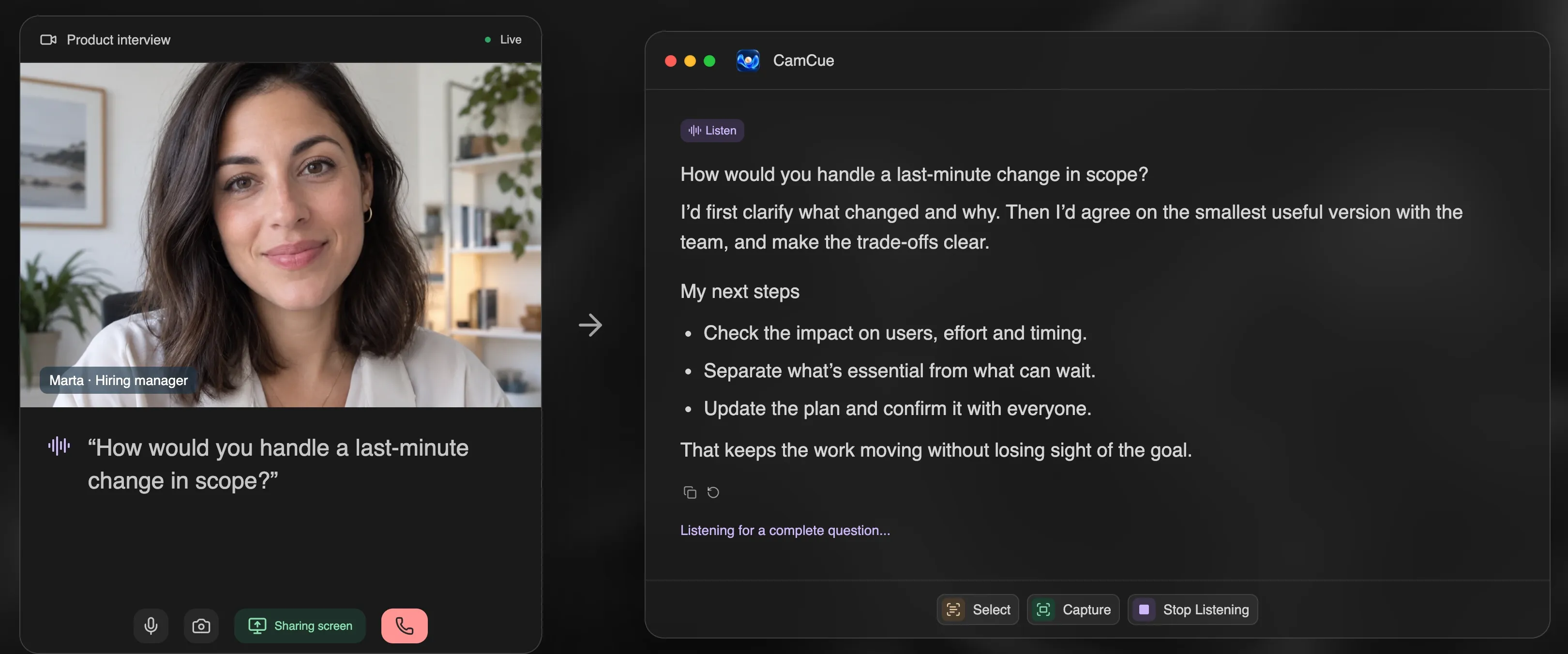
Most AI interview assistants have a free plan, but “free” means very different things: a few minutes of live help, a handful of sessions per month, preparation features without the live copilot, or a free app that needs your own AI account. Here is what each free plan actually covers.
Disclosure: CamCue is our product. Details about other tools come from their public pricing pages, linked below and checked on October 19, 2026.
What each free plan includes
| Tool | What is free | Live help on the free plan? | Card needed? |
|---|---|---|---|
| CamCue | Limited AI credits, plus a practice demo with its own allowance | Yes, Listen, Capture, and Select | No |
| Verve AI | 3 copilot sessions a month, 15 minutes each, 5 mock interviews | Yes | No |
| ParakeetAI | One 10-minute session | Yes, once | Check at sign-up |
| Cluely | Starter: limited AI responses and notes | Yes, limited; no screen-share hiding | No |
| Pluely | The full app with your own AI provider keys | Yes, you pay the provider | No |
| Hedy | Up to 5 hours a month | Meeting coaching, not interview drafting | No |
| Final Round AI | Prep features such as goals and job description parsing | No, the copilot needs Pro | No |
| SubcueAI | Starter plan with real and mock interviews | Yes, limited | No |
How to get the most out of a free plan
- Practice first. Free credits go further if you rehearse before the real call. CamCue’s “No call? Try a demo” asks spoken questions and uses a separate allowance, so practice does not eat into your live credits.
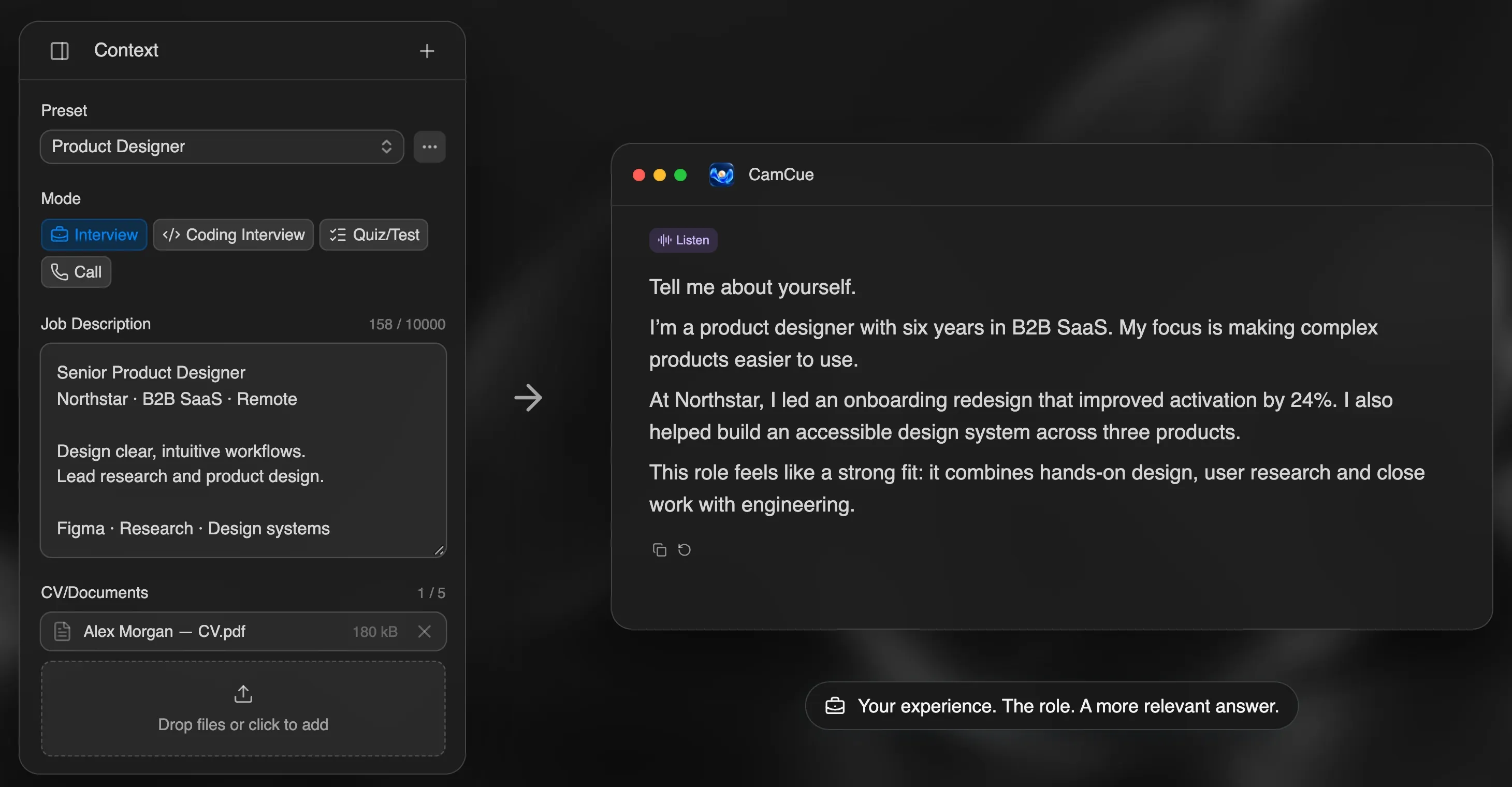
- Add your context once. Upload your CV and the job description before you start. A tailored first answer saves you from regenerating three generic ones.
- Use Select for written questions. Selecting one question costs less context than analyzing a whole screen and gives a more focused answer.
- Test screen sharing on the free plan. If you will share your screen, check what others see from a second device before you pay for anything. Our five-minute test shows how.
When a free plan is not enough
Free plans work for practice and one or two short calls. They run out when you have several long interviews in a week, when you need screen-share hiding on a tool that charges extra for it, or when sessions are capped at 15 minutes and your interview runs for an hour.
If you reach that point, compare billing that matches your search. A three-interview week costs less on a 3-day or weekly plan, or on per-call credits, than on a monthly subscription. CamCue PRO starts at US$9 for 3 days; ParakeetAI sells a single hour for US$38.
Free practice without a live copilot
If you only want to rehearse, you do not need a copilot at all. Our guides to practicing an interview with AI and Google Interview Warmup alternatives cover free ways to practice out loud, and the STAR method examples help you build answers before any tool is involved.
Comparing SubcueAI in particular? See SubcueAI alternatives.
A note on the rules
Free or paid, live help is not allowed in every interview. Read Is using AI in interviews cheating? and ask the recruiter when you are unsure. Practice is always allowed.