
Google Interview Warmup was a simple, free way to practice: pick a field, hear a question, answer out loud, and see a transcript with insights. It is no longer available, but the habit it taught, answering out loud instead of rehearsing in your head, is still the best way to prepare. Here is how to keep doing it.
What happened to Interview Warmup
Interview Warmup launched in 2022 as part of Grow with Google. You chose a track such as data analytics, UX design, IT support, project management, or a general track, answered questions by voice, and got a transcript plus insights about the terms and talking points you used.
As of October 9, 2026, the Interview Warmup address on Grow with Google redirects to a general interview-tips article, and the tool is no longer offered.
What to look for in a replacement
- Spoken questions, so you practice speaking, not typing.
- Questions for your role, not generic lists.
- Your own context: your CV and the job description, so feedback reflects real experience.
- Pacing control: you decide when to move to the next question.
- Feedback on structure: a clear start, a concrete example, a result.
The alternatives
| Option | Cost | Spoken questions | Uses your CV and the job | Best for |
|---|---|---|---|---|
| CamCue practice demo | Free allowance in the app | Yes | Yes | Rehearsing with your real context |
| Gemini Live | Free tier | Yes, via prompt | If you paste it | Quick, informal practice |
| ChatGPT voice mode | Free tier | Yes, via prompt | If you paste it | Flexible role-play |
| Verve AI mock interviews | 5 free mock interviews | Yes | Partly | Structured mock sessions |
| ParakeetAI mock interview | First one free | Yes | Partly | Trying a full mock once |
CamCue practice demo
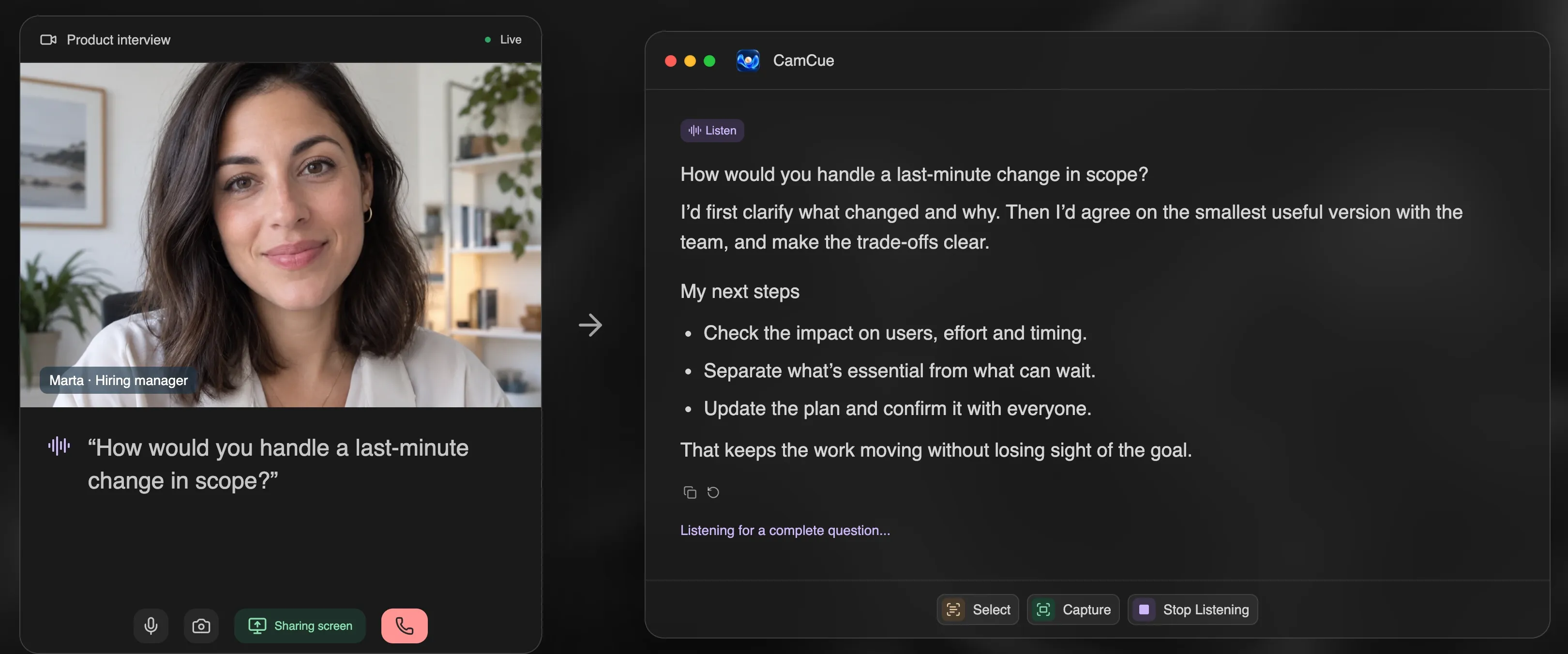
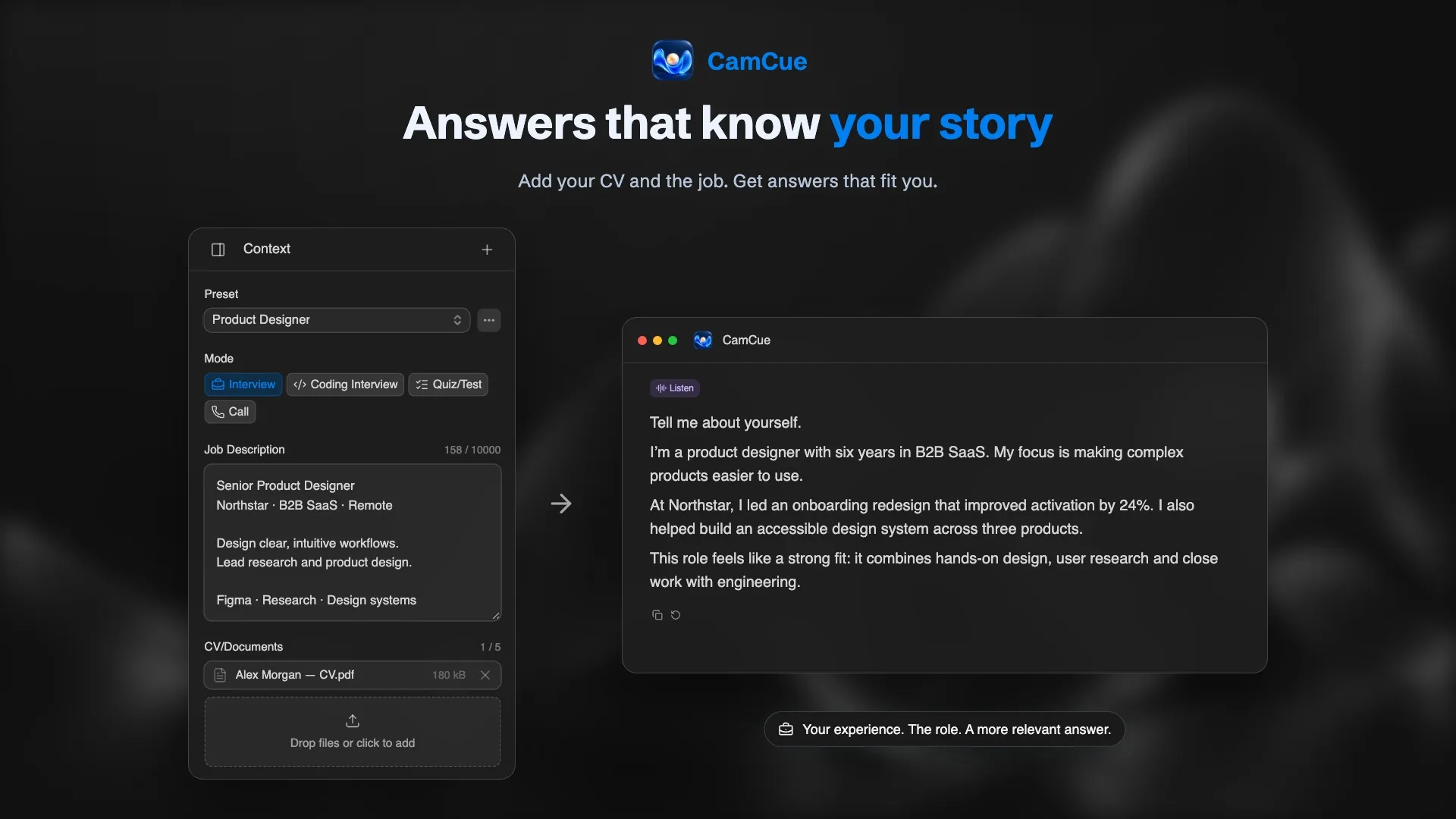
CamCue is a desktop AI interview assistant for Mac and Windows. Choose “No call? Try a demo” and it asks interview questions out loud, then drafts an answer from your CV, the job description, and your instructions, or from a built-in example profile. You move to the next question when you are ready, which makes it easy to answer first and compare afterwards.
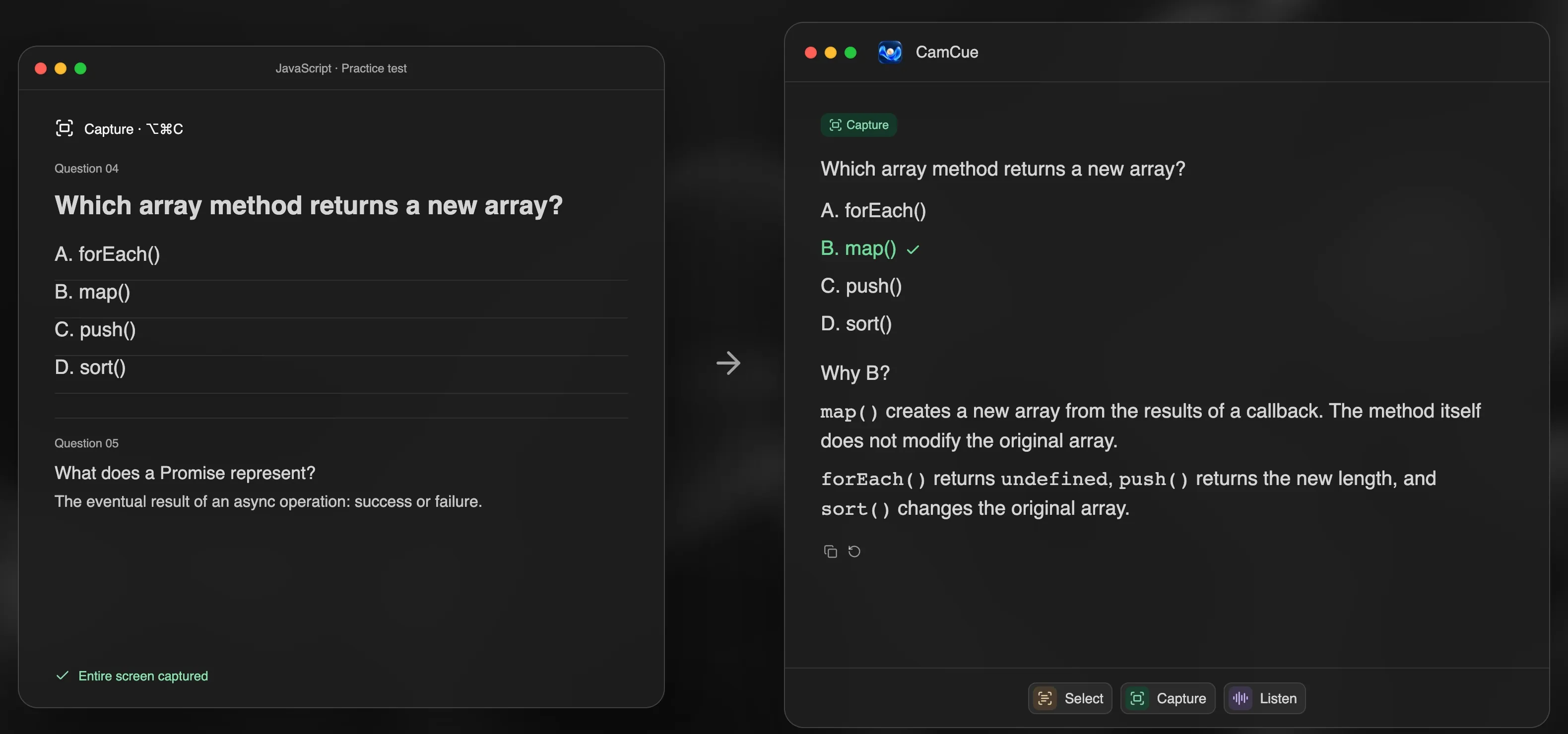
It also handles written practice: use Capture on a multiple-choice or technical practice question to see the reasoning behind each option.
Gemini Live and ChatGPT voice mode
Both can run a convincing mock interview if you give them a clear role. They are free to start and flexible, but they only know what you tell them in the conversation, and you have to set up the structure yourself each time.
Verve AI and ParakeetAI
Both include AI mock interviews. Verve AI’s free plan includes five mock interviews; ParakeetAI offers the first mock interview free. They are useful if you want a structured session with a report.
A mock-interview prompt you can copy
Paste this into Gemini Live or ChatGPT voice mode, filling in the brackets:
You are an interviewer for a [role] position at [company type]. Here is the job description: [paste]. Here is my background: [3–5 lines from your CV]. Ask me one interview question at a time, mixing behavioral and role-specific questions. Wait until I finish speaking. After each answer, give me two lines of feedback: one thing that worked and one thing to make more specific. Then ask the next question.
A 20-minute practice routine
- Warm up (2 minutes): say your answer to “Tell me about yourself” once.
- Behavioral round (10 minutes): three questions answered with the STAR method.
- Hard question (4 minutes): practice “What is your greatest weakness?”.
- Review (4 minutes): note one detail to add to each story and one phrase to cut.
Practicing a little every day for a week beats one long session the night before.