
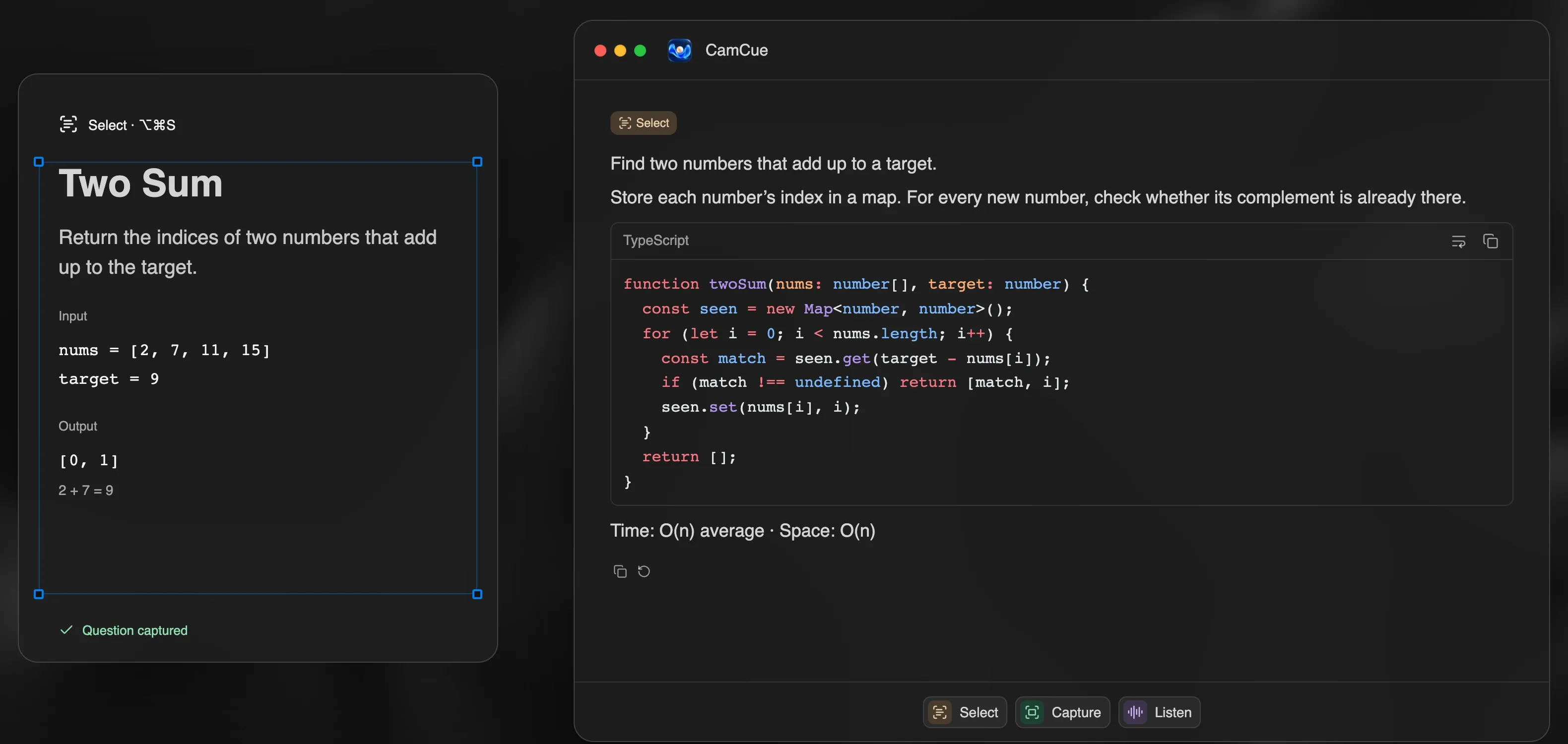
An AI coding interview assistant turns a technical question into something you can reason about: the idea behind the solution, clean code, and the complexity trade-offs. CamCue does this from whatever is on your screen, without browser extensions or plugins.
Three ways to send a coding question
- Select: drag over the problem statement, examples, and constraints. The answer focuses only on that area, which keeps it short and precise.
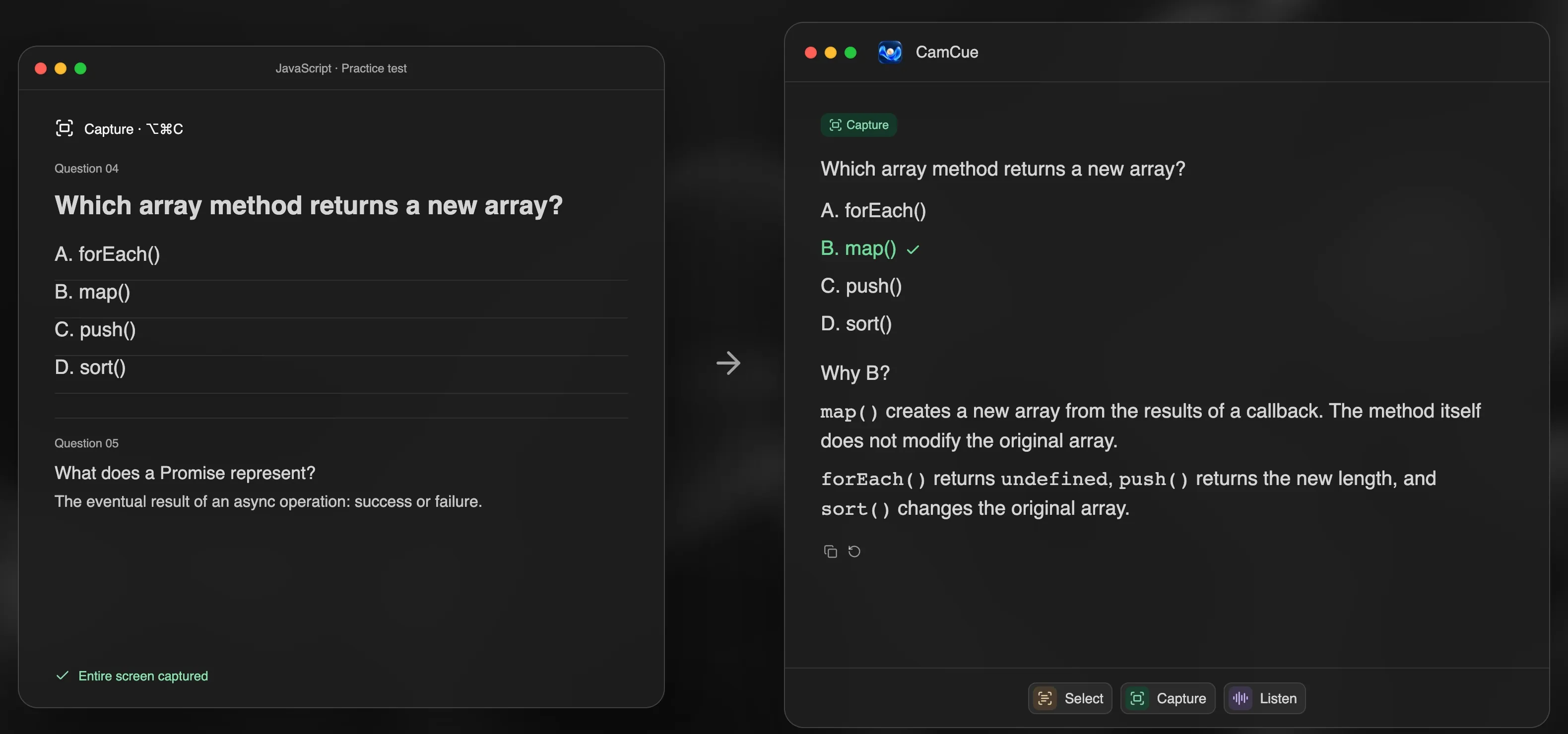
- Capture: analyze the entire screen in one action. Useful when the problem, starter code, and test output are spread across the window.
- Listen: when the interviewer asks a question out loud, such as “How would you design a rate limiter?”, CamCue transcribes it locally and drafts a structured answer.
Each input has a global keyboard shortcut, so you do not need to switch windows during a timed exercise.
What a coding answer looks like
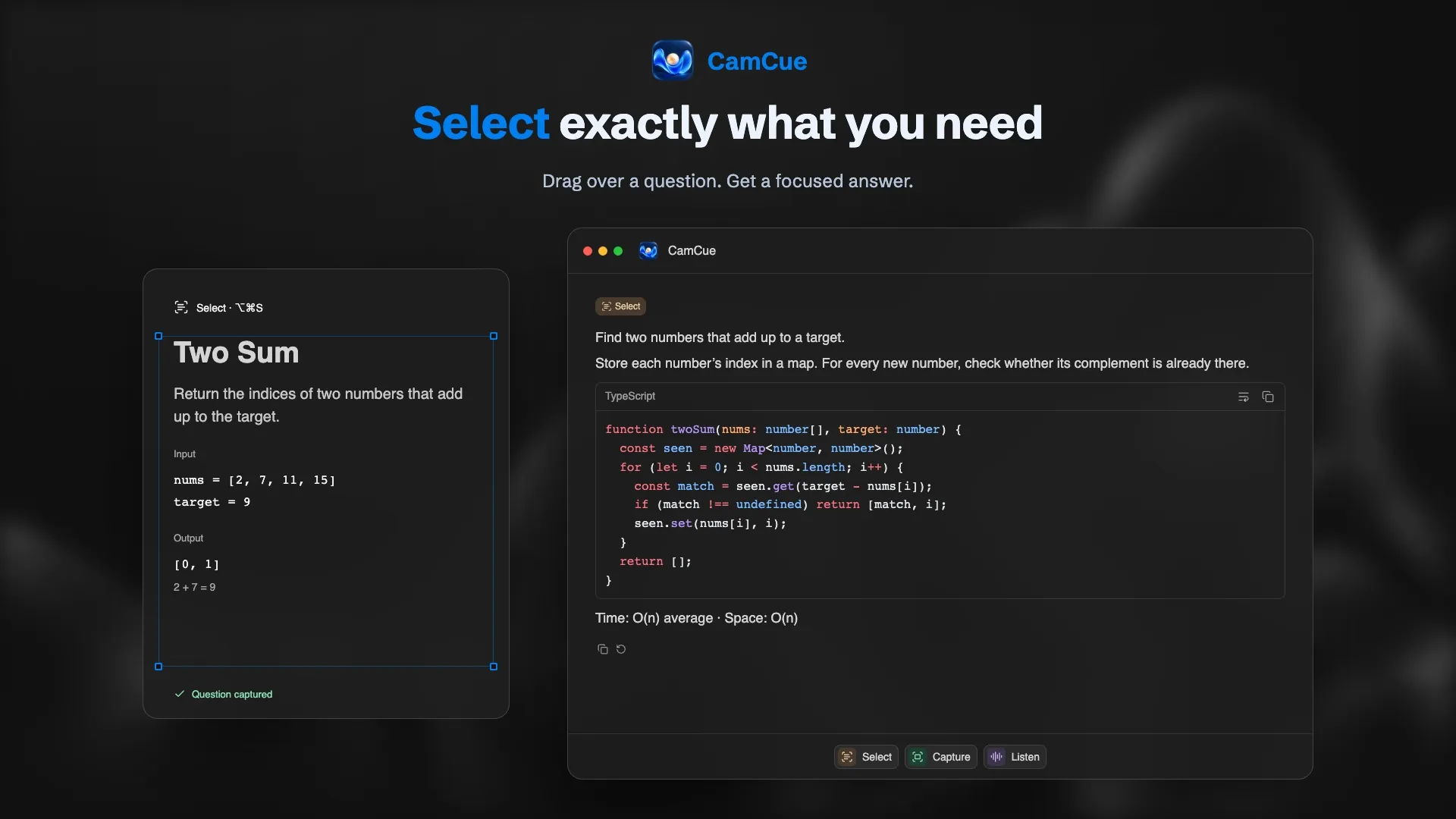
In Coding Interview mode, answers follow the order an interviewer expects to hear them:
- Approach in one or two sentences, for example “Store each number’s index in a map and check whether its complement is already there.”
- Code with syntax highlighting and a copy button.
- Complexity: time and space, such as O(n) average time and O(n) space.
Talk through the approach before writing code. Interviewers usually score how you reason, handle edge cases, and test your solution, not only whether the final code runs.
Quiz questions and code reading
Technical screens often include multiple-choice questions or “what does this code print?” tasks. Capture reads the whole question and the options, marks the most likely answer, and explains why the other options are wrong. The explanation matters more than the letter: it is what you will need for the follow-up question.
Set up Coding Interview mode
- Open the context panel and choose Coding Interview.
- Add instructions such as “Answer in Python 3,” “Mention edge cases,” or “Prefer readable code over clever one-liners.”
- Attach your CV and the job description, so behavioral questions in the same interview still use your background.
- Choose a response length. Concise works well for timed exercises; Detailed is better for learning.
- Save the setup as a preset, for example “Backend, Python.”
A practice routine that works
CamCue is most useful when you study with it, not only when you need an answer fast:
- Attempt the problem yourself for 15 to 20 minutes before asking for help.
- Use Select on the problem and compare CamCue’s approach with yours.
- If the explanation is unclear, regenerate the answer or select a smaller part of the problem.
- Close the answer and rewrite the solution from memory.
- Explain the solution out loud, as you would to an interviewer.
Session history keeps every question and answer on your computer, so you can revisit problems you struggled with.
Screen sharing during technical interviews
Coding interviews often involve sharing your screen or an editor. Sharing a single application window, such as the browser tab with the problem, is the most predictable setup. If you share the whole screen, read how Stealth works and check the receiving view from a second device first.
Know the rules
Online assessments and live coding rounds often prohibit outside help, and companies treat violations seriously. Check what is allowed for every interview. CamCue is designed for practice, preparation, and interviews where assistance is permitted.