
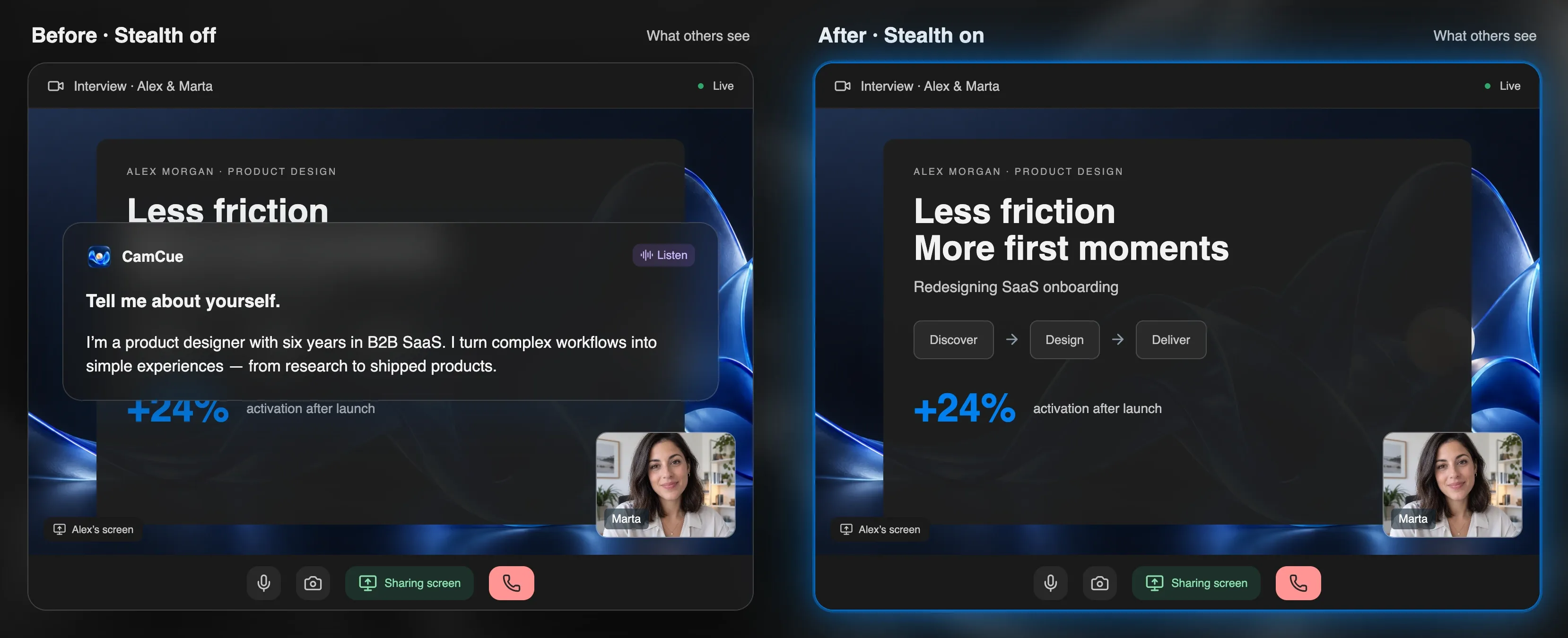
Short answer: interviewers usually cannot prove that you used AI, but they often notice when your answers are not really yours. Detection is less about software and more about whether you can explain, defend, and expand on what you just said.
What interviewers actually notice
Recruiters and hiring managers describe the same handful of signals again and again:
| Signal | What it looks like |
|---|---|
| Weak follow-ups | A polished first answer, then vague replies to “Why did you choose that?” or “What would you do differently?” |
| Unnatural timing | A pause of several seconds before every answer, or instant, complete answers to complex questions |
| Eye movement | Eyes fixed on one area of the screen, or reading from left to right |
| Mismatched language | Buzzwords and formal phrasing that do not match how you write in your CV or talk in small talk |
| Generic details | Answers that could apply to anyone: no names of tools, numbers, or real trade-offs |
| Screen-share slips | A notes window, notification, or overlay visible in the shared screen |
None of these proves anything on its own. Nervous candidates pause, non-native speakers may sound formal, and people look at notes. But together they make interviewers dig deeper.
Follow-up questions are the real test
The most reliable “detector” is a second question. An interviewer who suspects a scripted answer simply asks for more:
- “Walk me through how you made that decision.”
- “What did your manager think about it?”
- “What would break if traffic doubled?”
- “What was the hardest part for you personally?”
If the experience is real, these are easy. If the first answer came from a generic AI draft, they are not. That is why answers should always start from your own experience, not from a blank prompt.
What software can and cannot see
- Screen sharing shows whatever is captured. Some assistants, including CamCue, ask the operating system to exclude their window, but support depends on the meeting app and system version. See how Stealth works and how to test your screen share.
- Proctoring tools in online assessments can monitor running apps, browser tabs, and the camera. Capture exclusion does not hide an app from them.
- Cameras see what is in front of you. A second monitor or phone in view is easy to spot.
- Typing and audio can reveal activity, for example keyboard sounds while you “think.”
How to use AI so it holds up
AI is most useful, and least risky, before the interview:
- Build your story bank. Write five or six real examples from your work, with numbers. Use the STAR method to structure them.
- Match them to the job. Highlight the top requirements in the job description and pick the story that proves each one.
- Practice out loud with spoken questions until the stories feel natural.
- Prepare for follow-ups. For each story, answer “why,” “what went wrong,” and “what would you change.”
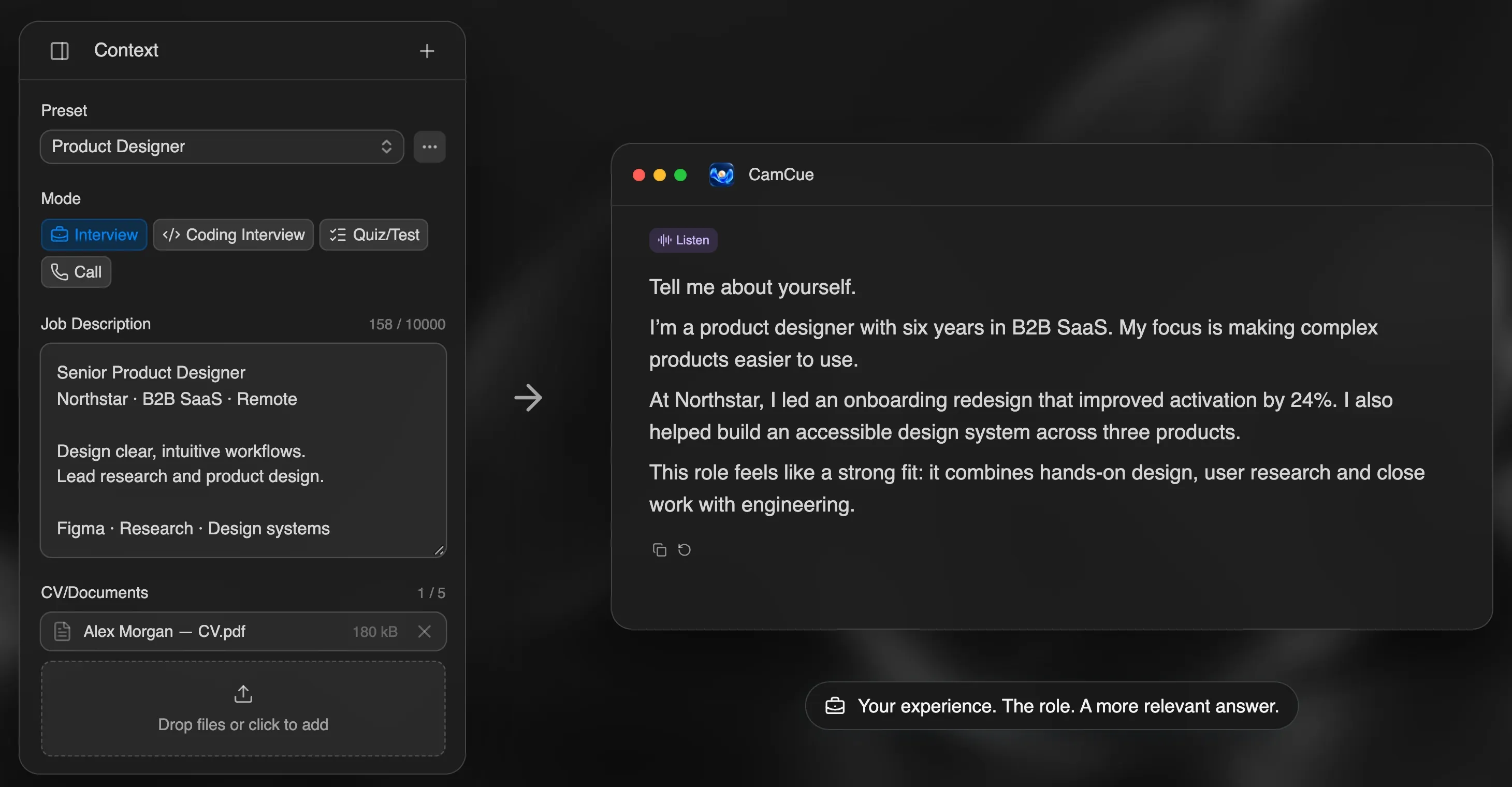
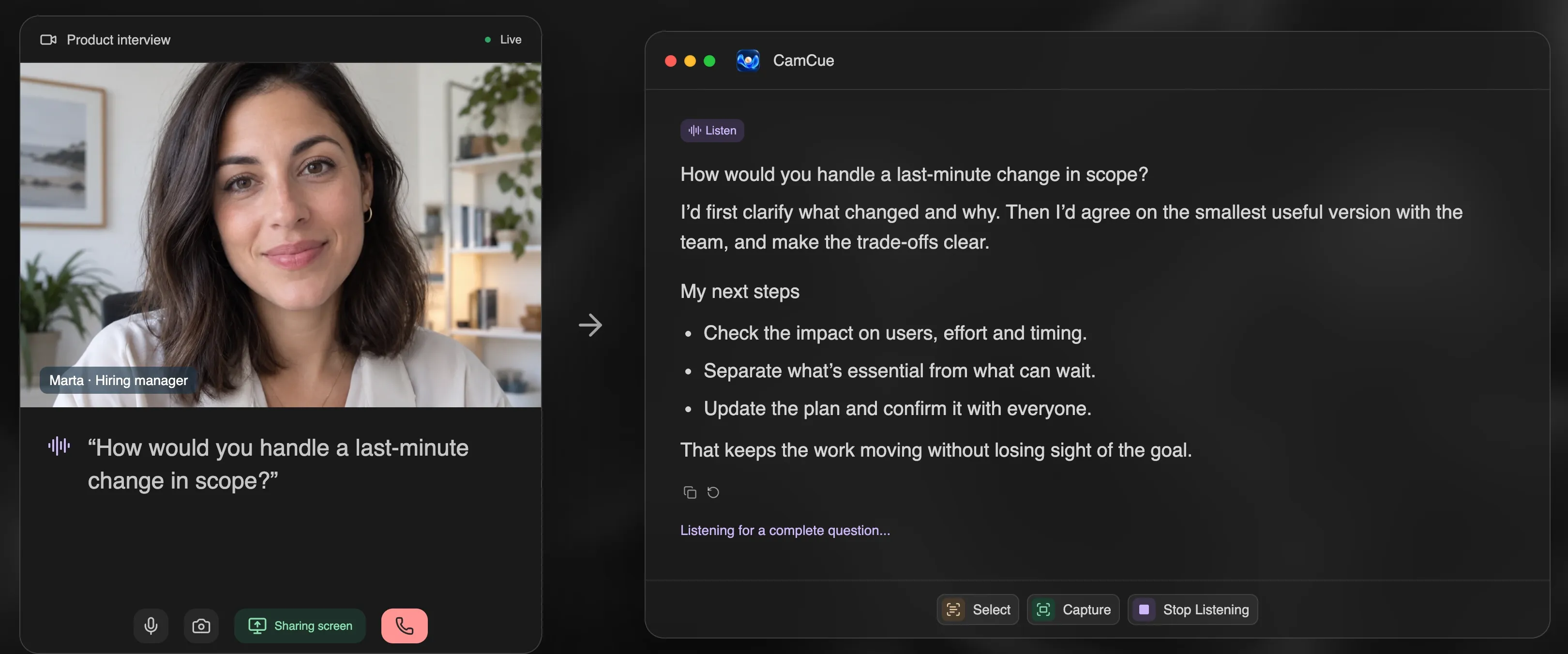
CamCue is designed around this: it drafts answers from the CV, documents, and job description you provide, and its built-in demo asks spoken questions so you can rehearse. Because the details come from your own experience, you can expand on them when asked.
When live AI help is allowed
Rules vary widely:
- Allowed: some companies explicitly let candidates use notes or AI tools, especially in roles where AI is part of the daily work.
- Not allowed: many online assessments, coding tests, and structured interviews forbid outside help.
- Unclear: if no one says, ask the recruiter. A one-line question protects you and shows integrity.
Undisclosed use where it is forbidden can cost you the offer, even if no one notices during the call. Practicing with AI, on the other hand, is allowed everywhere.
Bottom line
Interviewers rarely catch AI with tools. They catch answers that are not backed by real experience. Use AI to prepare your own stories, practice them out loud, and follow each interview’s rules, and there is nothing to detect.