

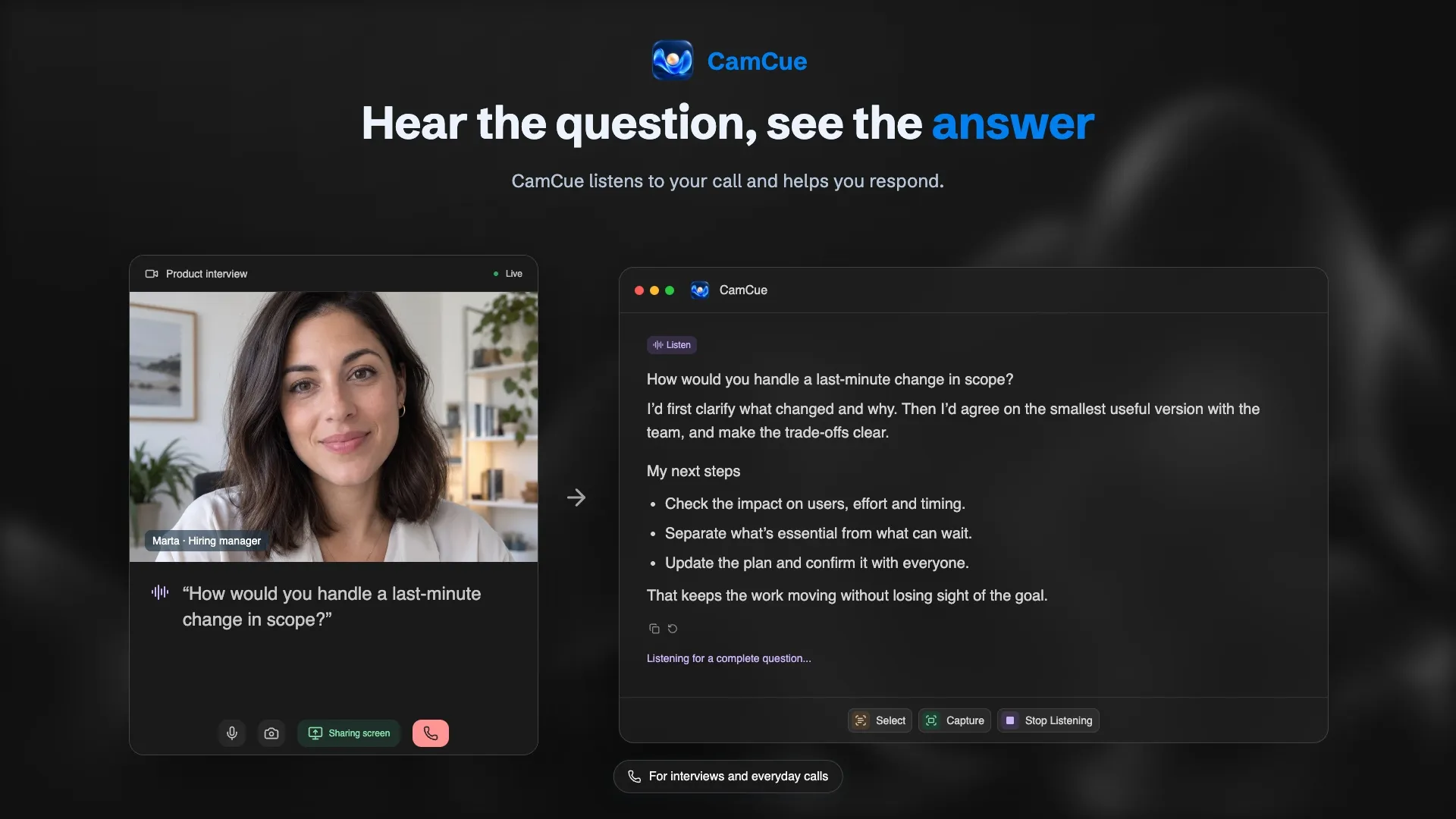
Many AI interview assistants started on the Mac, and Windows support is still uneven: some tools have no Windows app, some run only in the browser, and the ones that do run natively differ on installer signing, audio setup, and how they handle screen sharing. These are the options with a native Windows app.
Disclosure: CamCue is our product. Information about other tools comes from their public sites, linked below and checked on October 19, 2026.
Quick comparison
| Tool | Free option | Paid plans | Windows notes |
|---|---|---|---|
| CamCue | Limited credits, no card | US$9 per 3 days, US$19 per week, US$69 per month | Windows 10 version 2004+ and 11, x64, signed EXE |
| Final Round AI | Prep only | Pro from US$25/mo with longer billing | Desktop app for Windows and macOS |
| Verve AI | 3 sessions/month, 15 min each | US$16.99/mo and US$34.99/mo tiers | Desktop app; some features desktop-only |
| ParakeetAI | One 10-minute session | US$38 per credit, US$78/week, US$149.90/mo | Windows app and Chrome web |
| Pluely | Free with your own AI keys | US$15/mo, US$35/mo, or US$120 one-time | Windows, Mac, and Linux |
| Interview Coder | App only | US$299/mo or US$799 lifetime | Coding interviews; Windows and Mac |
What matters specifically on Windows
- Signed installer. A code-signed EXE shows a verified publisher. Unsigned installers trigger stronger SmartScreen warnings and are harder to trust.
- Audio device. Desktop assistants usually record the default output device. If your headset is not the default, the assistant hears nothing.
- Screen-share exclusion. Windows 10 version 2004 and later let apps ask to be left out of screen capture. On older versions, the best an app can do is appear as a blank window.
- Alt+Tab and the taskbar. Some assistants also hide from Alt+Tab, which matters if you share your whole screen and switch windows.
- WebView runtime. Many desktop apps rely on Microsoft Edge WebView2. A missing or broken runtime is a common reason an app does not start.
1. CamCue
CamCue runs on x64 PCs with Windows 10 version 2004 or later, or Windows 11. The EXE is signed, with Kirill Isachenko as the verified publisher, and CamCue installs the WebView2 Runtime if it is missing. Listen records the default output device, so it hears the interviewer but not your microphone. Capture and Select read questions from the screen, and Interview mode builds answers from your CV and the job description.
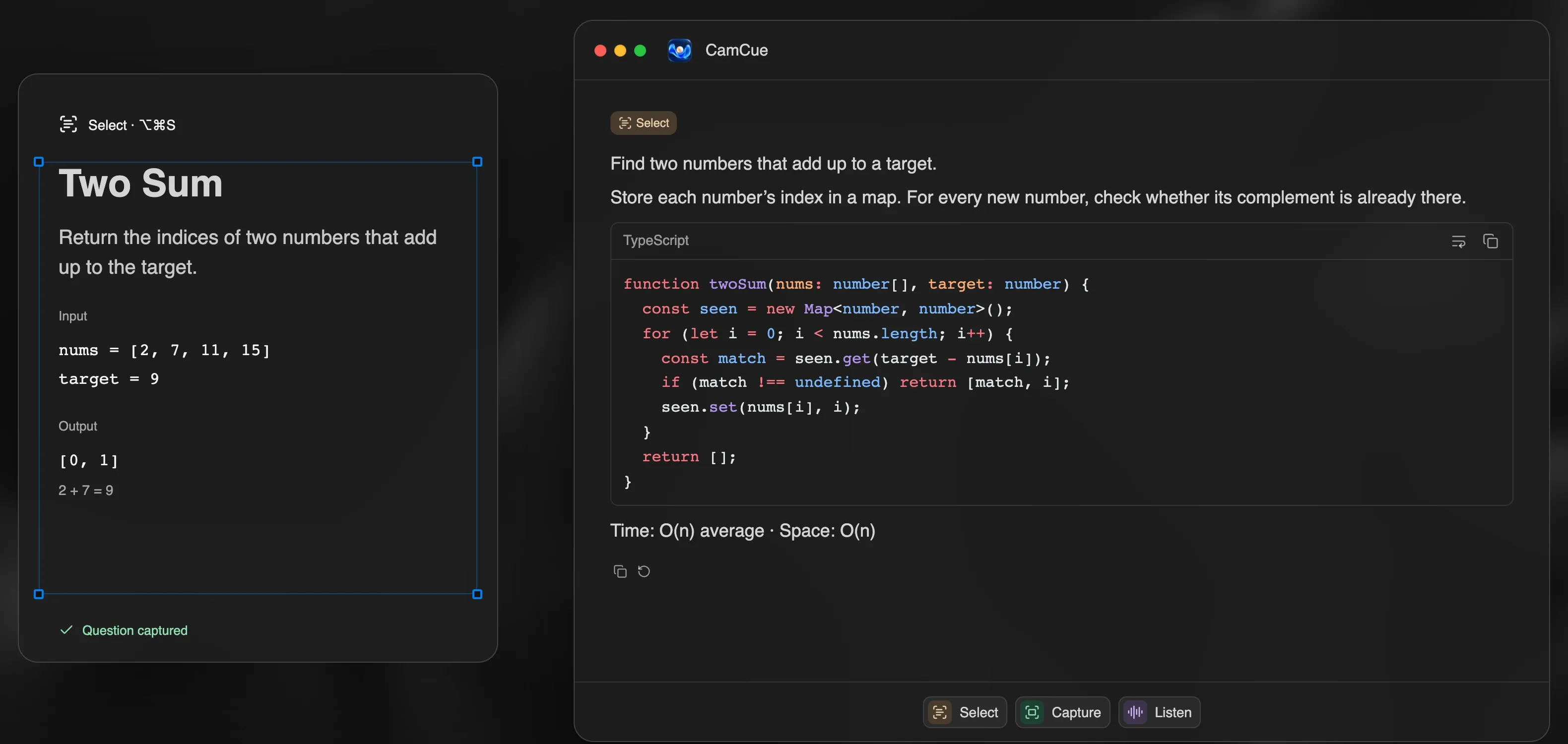
With Stealth on, CamCue asks Windows to exclude its windows from capture and keeps them out of Alt+Tab. It is included in every plan. Setup and troubleshooting are in the Windows guide.
- Limitations: no Windows on ARM installer, no mobile app.
2. Final Round AI
Final Round AI’s desktop app runs on Windows and macOS and combines a live copilot with preparation tools. Live sessions need Pro, from US$25 per month with longer billing. A good fit for a long search; less so for one week of interviews. See Final Round AI alternatives.
3. Verve AI
Verve AI lists Mac, Windows, and iPhone apps. The free plan includes three 15-minute copilot sessions a month and five mock interviews; paid tiers extend sessions to 60 or 90 minutes. Its transparent and camouflage features are marked desktop-only.
4. ParakeetAI
ParakeetAI has a Windows app and a Chrome version, with per-call credits from US$38 or unlimited plans from US$78 per week. It supports more than 50 languages.
5. Pluely
Pluely runs on Windows, Mac, and Linux and is free with your own AI provider keys. Bundled plans cost US$15 or US$35 per month.
6. Interview Coder
Interview Coder is built for coding rounds and lists Windows and Mac downloads. AI features require Monthly Pro at US$299 per month or Lifetime Pro at US$799. Compare it with general tools that include a coding mode in Interview Coder alternatives.
Set up any assistant on Windows in five minutes
- Install the app and check the publisher name in the SmartScreen dialog.
- Set your headset or speakers as the default output device.
- Play a video and confirm that the assistant transcribes it.
- Join a test meeting from your phone, share your screen, and check what others see.
- Read the rules of each interview. Is using AI in interviews cheating? explains where the line usually is.