

Interview Coder is built for one thing: technical interviews. It reads problems, listens to the interviewer, and drafts solutions on Mac and Windows. It is also one of the most expensive tools in the category at US$299 per month. If you need coding help without that price, or help with the rest of the interview loop too, these alternatives are worth comparing.
Disclosure: CamCue is our product. Details come from each tool’s public website, linked below and checked on October 19, 2026.
What Interview Coder offers
According to its website, Interview Coder is a desktop app for Windows and Mac that transcribes the interviewer and helps with coding questions. The download is free, but AI features need Monthly Pro at US$299 per month (1,000 usage credits) or Lifetime Pro at US$799. The site lists many hiding features, such as staying out of screen sharing and the Dock; like every vendor’s claim, they should be checked on your own setup.
Alternatives at a glance
| Tool | Coding help | Also covers | Price | Platforms |
|---|---|---|---|---|
| CamCue | Select or Capture a problem; approach, code, complexity | Behavioral questions from your CV, calls | US$9 per 3 days, US$19 per week, US$69 per month | Apple Silicon Mac, Windows |
| LockedIn AI | Plans described as optimized for technical interviews | Live interview help | Unlimited, Credits, Lifetime | Desktop, web, mobile |
| Final Round AI | Screen help in the live copilot | Prep tools, mock interviews | Pro from US$25/mo with longer billing | macOS 14.4+, Windows |
| ParakeetAI | Lists CoderPad and HackerRank among supported platforms | 50+ languages | US$38 per credit, US$78/week | Mac, Windows, Chrome |
| Pluely | General assistant with screen context | Your own AI provider | Free with your keys; from US$15/mo | Mac, Windows, Linux |
CamCue Coding Interview mode
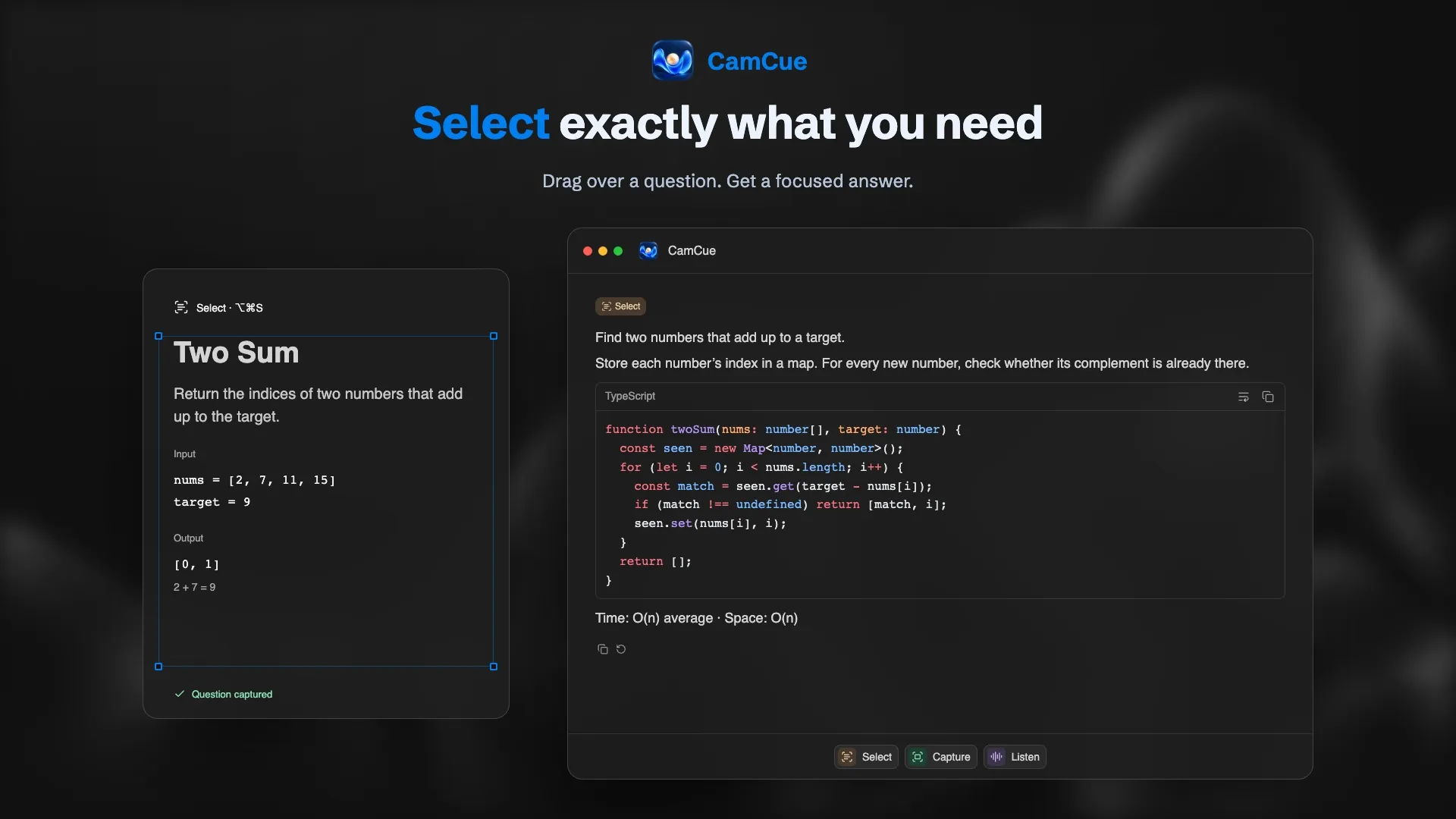
Select the problem statement, examples, and constraints, or capture the whole screen. The answer follows the order an interviewer expects: a one-line approach, code with syntax highlighting, and time and space complexity. Set your language once in the instructions; Python, JavaScript, TypeScript, Java, C++, Go, and SQL are common choices.
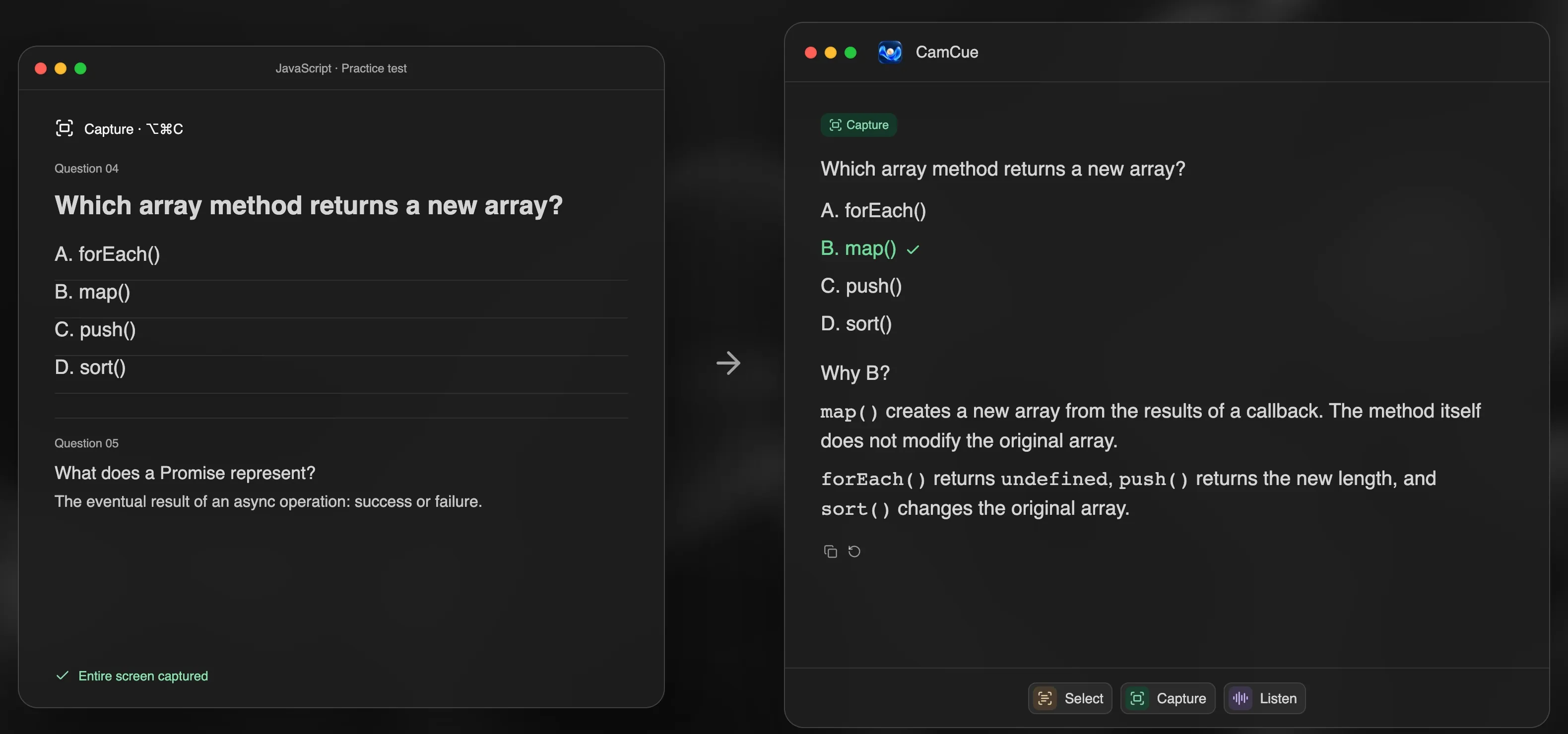
Because the same app handles behavioral questions from your CV, you do not need a second tool for the non-coding rounds. Details are on the AI coding interview assistant page.
- Limitations: no Intel Mac or Windows on ARM; it reads and explains code but does not type it for you.
LockedIn AI
LockedIn AI positions its plans for technical interviews and offers credits that never expire, which suits occasional use. Its prices appear only after interaction on the pricing page. See LockedIn AI alternatives.
Final Round AI
Final Round AI’s Pro plan includes screen help in the live copilot, along with practice interviews. Cheaper than Interview Coder per month, but the headline price assumes longer billing.
ParakeetAI
ParakeetAI lists CoderPad and HackerRank among its verified platforms and sells single one-hour credits, which suits a single technical round.
Pluely
If you already pay for an AI provider, Pluely can use your keys at no extra cost. You manage the setup and the provider bill.
Before a coding round
- Know what the platform records. Online assessments often monitor tabs, the webcam, and code history. Read Can HackerRank detect AI? first.
- Share one window. In a live coding call, share the editor or browser tab, not the whole screen.
- Practice on LeetCode first. Our guide to using an AI assistant for LeetCode practice has a routine and prompts.
- Practice the explanation. Interviewers score how you reason and handle edge cases, not only whether the code runs.
- Follow the rules. Many technical assessments forbid outside help. Is using AI in interviews cheating? explains how to check.