

An AI assistant can make LeetCode practice much faster: it explains why an approach works, finds the edge case you missed, and checks your complexity. It can also make practice useless if it gives you the answer before you have thought about the problem. Here is how to use one well, and which kinds of tools fit which part of practice.
Disclosure: CamCue is our product. It is one of the tools described below.
Three kinds of LeetCode AI assistants
| Type | Examples | Good for | Watch out for |
|---|---|---|---|
| Chat assistant | ChatGPT, Claude, Gemini | Explaining concepts, discussing trade-offs | Copying the problem in and out takes time |
| Editor assistant | GitHub Copilot in VS Code | Autocompleting code you already understand | Suggests code before you have an approach |
| Screen-reading desktop app | CamCue, Interview Coder, LockedIn AI | Reading the problem where it is, explaining approach and complexity | Use for review, not as the first step |
A practice routine that actually builds skill
- Read the problem and constraints. Write down the input size and what it implies about the time complexity you need.
- Try it yourself for 15 to 20 minutes. Talk through your approach out loud, as you would in an interview.
- Ask for a hint, not a solution. “What data structure would help here?” teaches more than “Solve this.”
- Compare approaches. Once you have a solution, or are stuck, ask for the optimal approach and the reasoning behind it.
- Close the answer and rewrite it from memory. If you cannot, you have not learned it yet.
- Explain it back. Describe the solution, its complexity, and two edge cases in under two minutes.
- Revisit in a week. Spaced repetition beats solving new problems every day.
How CamCue helps with LeetCode
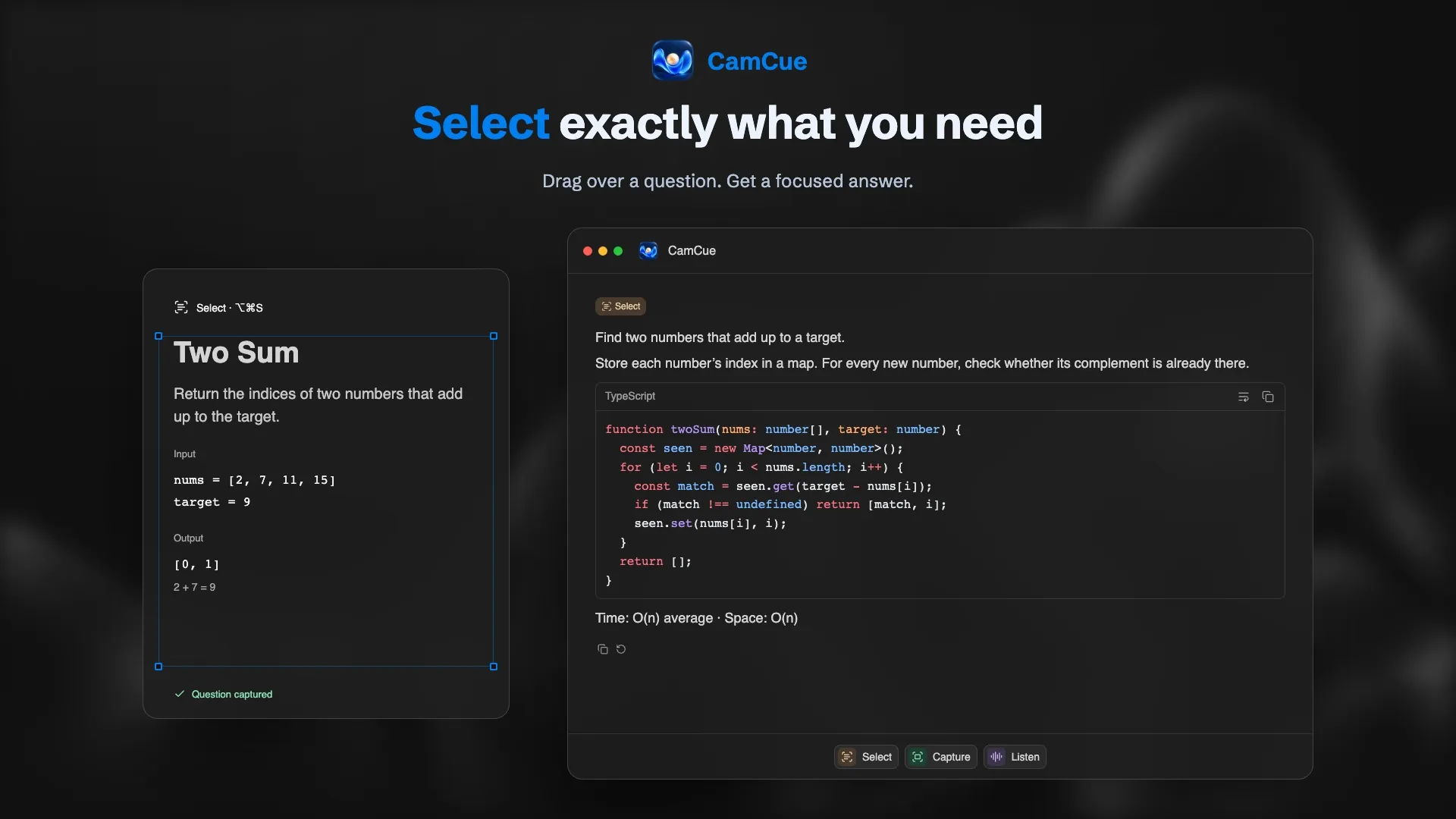
In Coding Interview mode, drag Select over the problem statement, examples, and constraints. The answer follows the order an interviewer expects: a one-line approach, code with syntax highlighting, and time and space complexity. Set your language once in the instructions, for example “Answer in Python 3 and mention edge cases.”
Capture reads the whole screen, which helps with multiple-choice questions and “what does this code print?” tasks in online tests.
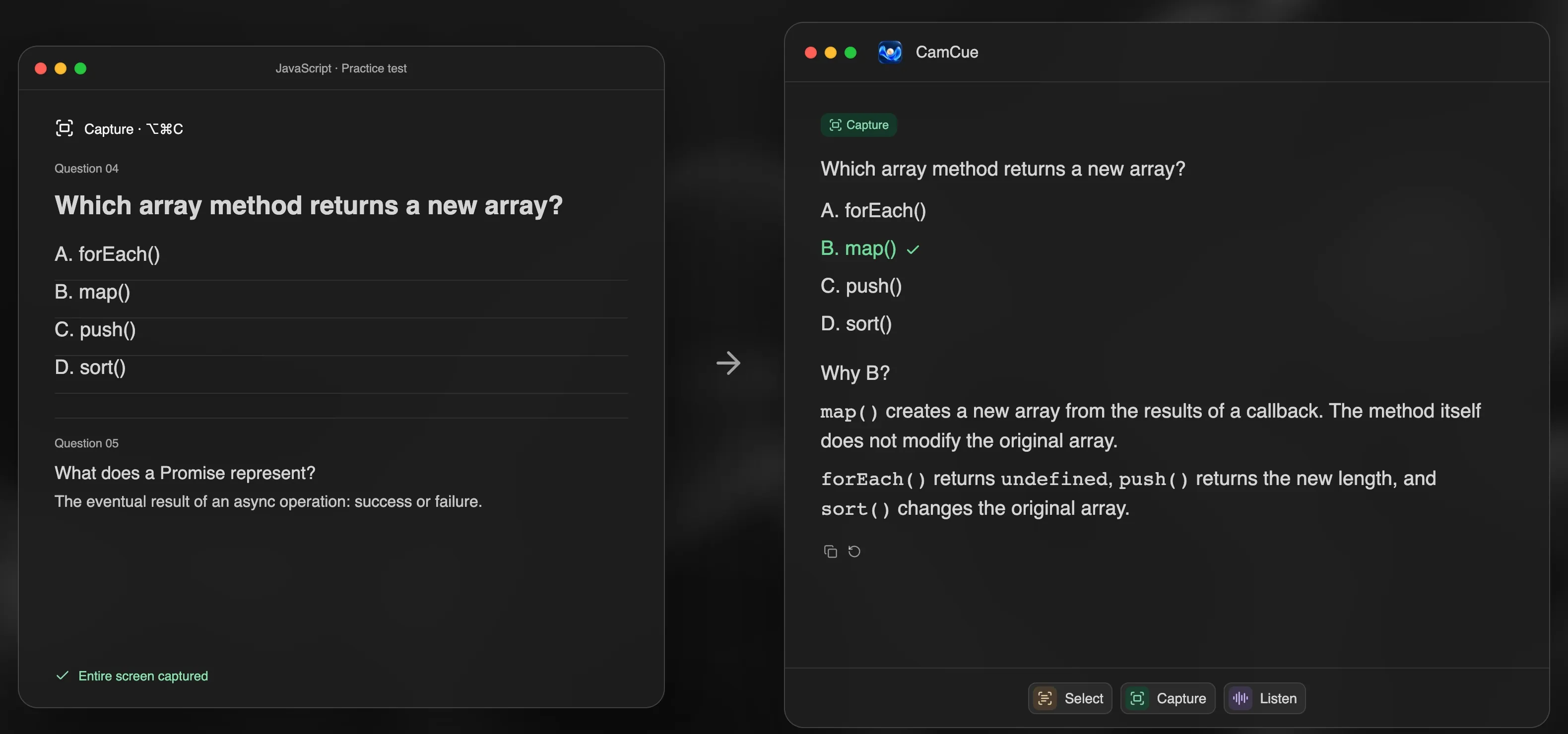
Session history keeps every problem and answer on your computer, so you can return to the ones you found hardest. More on the AI coding interview assistant page.
Prompts that teach instead of solve
- “Give me one hint for this problem without code.”
- “My solution is O(n²). What is the bottleneck?”
- “What edge cases would an interviewer ask about here?”
- “Explain why a hash map works for this, in two sentences.”
- “Here is my code. Find the bug, but do not fix it.”
Practice is not the same as an assessment
Using AI to practice LeetCode is fine. Using it during an online assessment or a live coding round is a different matter: many employers forbid it, and platforms record more than your code. HackerRank’s Proctor Mode, for example, analyzes screenshots, webcam images, and typing patterns; see Can HackerRank detect AI?. For dedicated coding copilots and their prices, see Interview Coder alternatives.